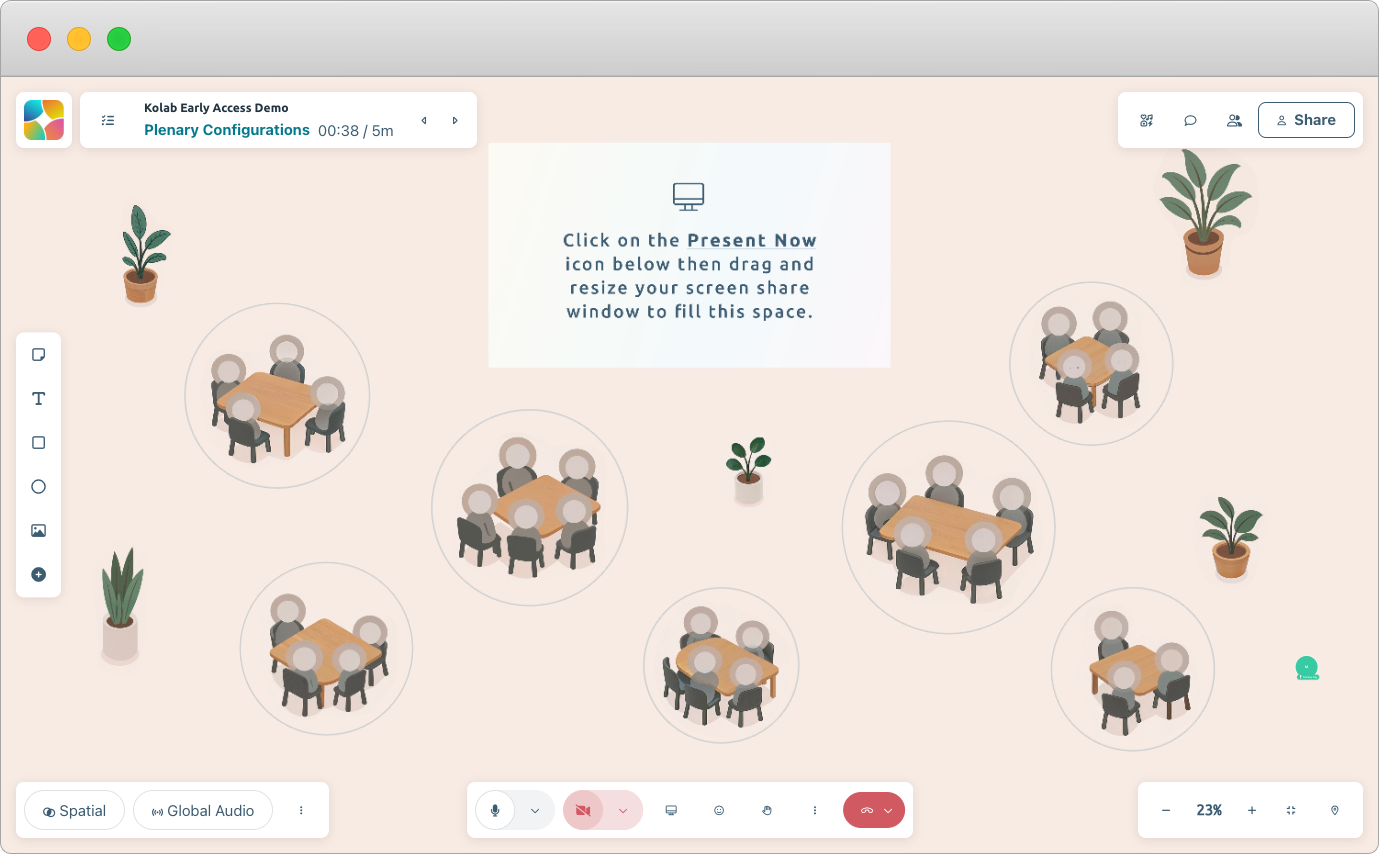
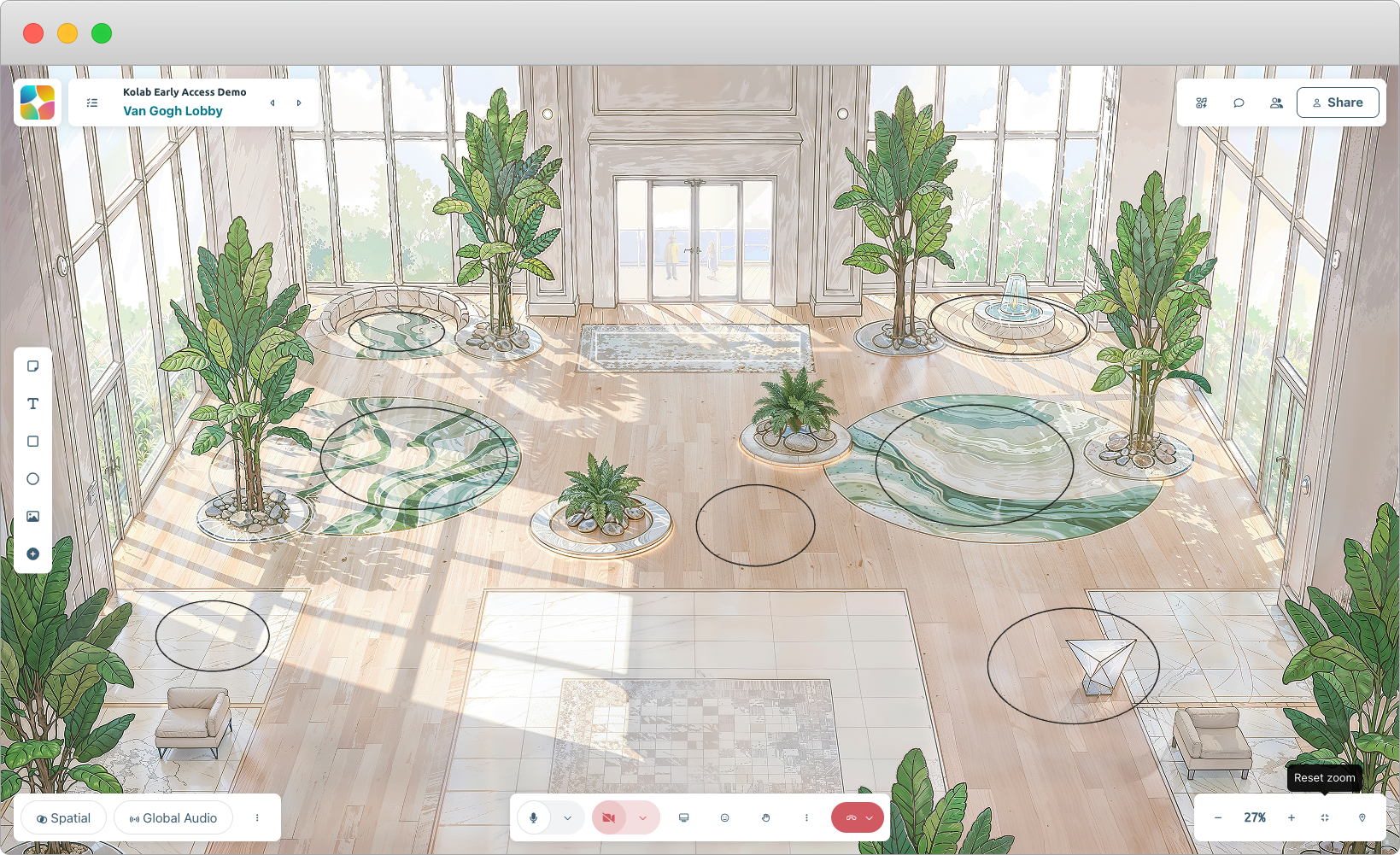
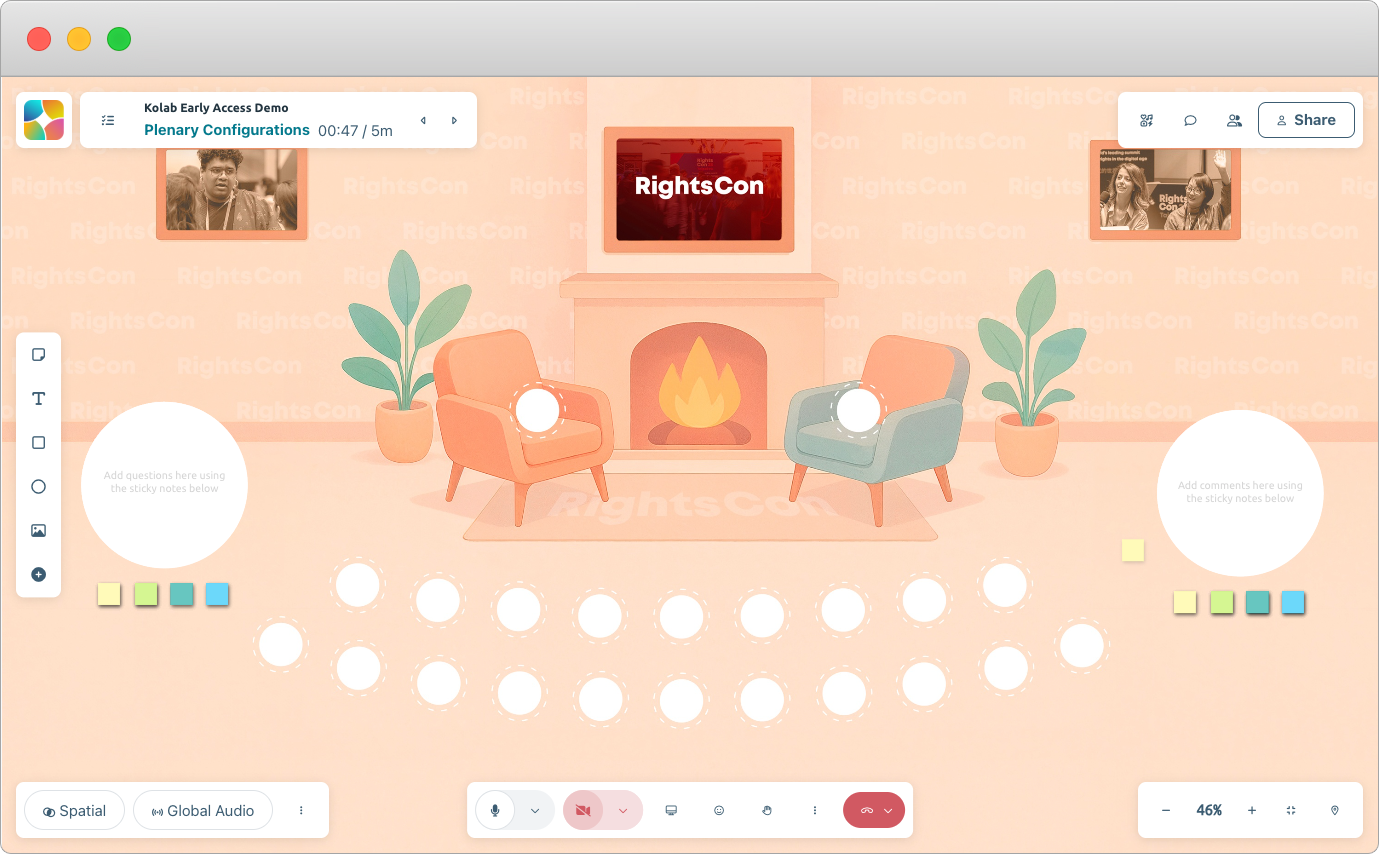
For foundations and convening organizations
Keep your community connected between convenings.
Kolab is a virtual room where your awardees and grantees talk to each other instead of watching a webinar. Afterward you can see who met whom and where to follow up.
Trusted by teams worldwide


Community calls where people meet each other
The usual community webinar opens with a breakout on a prompt, then moves to a plenary. People join to hear what the foundation is doing and leave without a new contact. In Kolab you can do both: give the update and have the hour build community.
- Built for the 30 to 100 people a community call draws, with a webinar format for larger groups
- People drag their own video into a breakout, so nobody waits to be assigned a room
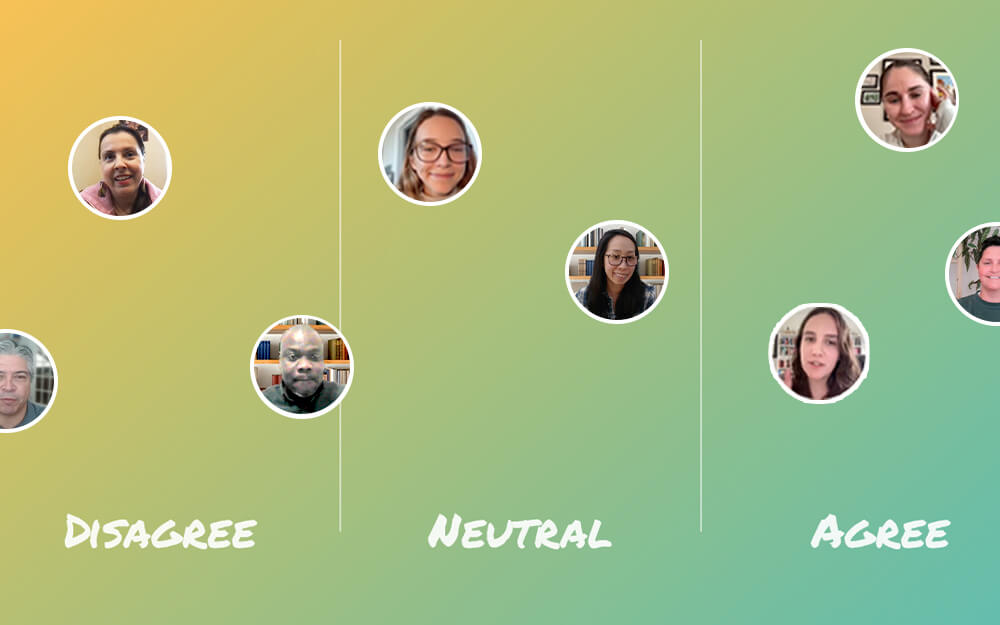
- Live polls on screen, plus vote-with-your-feet questions where people move to show where they stand
- Your plenary stays. Fireside chats and panels run in the same room, with speakers on a stage
- Playful openers, like placing yourself on a world map, get people talking before the content starts
Introductions with structure
Open networking favors the people who already know each other. Kolab gives you formats that put everyone in a new conversation every few minutes.
- Speed networking rotations on a timer. Each pair hears only each other, so 30 conversations can run at once
- Small-group tables for peer learning, each with its own prompt and its own audio
- Proximity audio: move closer to join a conversation, step away to leave it
- 200+ ready-made rooms, from a hotel lobby mixer to a campfire story circle
- A small cohort working through a shared challenge over several sessions keeps one room, with its boards saved between meetings

A program of their own for the people who can't be there
When travel restrictions or visas keep part of your community home, the convening still goes on. A livestream lets them watch, and a hybrid setup pulls attention away from the people who made the trip. A separate virtual program gives them more than a stream: its own agenda and host, scheduled for their time zones, where they take part with each other.
- Runs alongside your convening without putting a screen in the in-person room
- Built for taking part: small groups, shared boards and time with each other
- Video quality adapts to each connection, and anyone can switch off incoming video to save bandwidth
- Live captions, plus chat translation for anyone who wants it

Know what actually happened
For learning and evaluation, a webinar tells you who registered. A Kolab session shows you who met whom and what they discussed, so you know where to follow up. All of this is live today.
LinkedIn connections
Participants add their LinkedIn profile to their avatar. You can see whose profiles were opened and who connected after the session. Opt-in for each person.
Speaking time and participation
Each speaker's share of the conversation, number of turns and approximate speaking time. Observed in the session, not self-reported in a survey.
Movement between groups
See who moved between which groups and tables, and which conversations drew people in.
Breakout transcripts
Switch on side-conversation transcripts and every group's discussion is captured under its own table name, so you can read what each breakout talked about. Everyone is told when it's on.
AI summaries
Every transcribed session gets a summary shaped to the kind of session you ran, with key points, decisions and next steps.
Visual notes
Turn a session summary into a hand-drawn style recap image. Preview it first, then share it with the people who were there.
You also get cloud recordings, a history of past sessions and spreadsheet exports of boards and chat. Recording needs consent, and AI can be switched off for any space. Read how we handle participant data
How a pilot works
Start with your own content
We build the room around a topic or agenda you already have, and your community team tries it from the inside before anyone else does.
1
We build a demo on your content
Send us a sample topic or a real agenda, like your next community call. We build it in Kolab.
2
Your team gets in the room
We run it live with your community team as the participants, so everyone feels what your members would.
3
Run one session, see the data
Hold one session with your community. You get the connections, participation, movement and summaries from it, and you decide what comes next.
Testimonials
What our users say



FAQs
Questions community teams ask
No. Kolab is for fully virtual sessions. Livestream or record your main stage however you like. If part of your community can't travel, we suggest a separate virtual program for them and leave the in-person room to the people in it.
A link and a browser. There is no account to create and nothing to install. Only the people hosting need a Kolab account.
Up to 100 in the interactive room. Larger groups start in a webinar format and move into smaller rooms from there.
LinkedIn sharing is opt-in for each person. Recording requires consent. Breakout conversations are only transcribed when you switch that on, and everyone is told when it is. AI can be turned off for any space, and participant speech is never used to train AI models. More on our security page.
Get started
Experience the difference
Try Kolab free for 14 days or book a personalized demo.